Vectorization Guide
Last updated July 13, 2026Goals
As our primary goal is to archive patterns in a digital format that is easy to work with and to use. There’s a few points to keep in mind when dealing with patterns.
- Patterns should be accurate to the pattern. DO NOT MODIFY THEM! If a pattern requires fixes, alternate files can be created, uploaded and grouped together.
- Keeping the scale of patterns correct when they are converted.
- Correcting irregular lines/scans of patterns with consistent line widths. Be careful not to remove intentional line size changes though!
- Removing “noise” from pattern pages from use, poor storage, rescaling or otherwise.
Keeping these things in mind should lead you to creating quality vectorized versions of patterns!
Vector Do's & Don'ts
No colors for line definitions
Do not use colors to define any part of the pattern, expect all patterns to be printed in black and white. 30% Gray can be used to denote optional cut lines.
 Example of 30% Gray used as an optional cut line.

No Autotrace
Trace patterns by hand or with the pen tool on a drawing device.
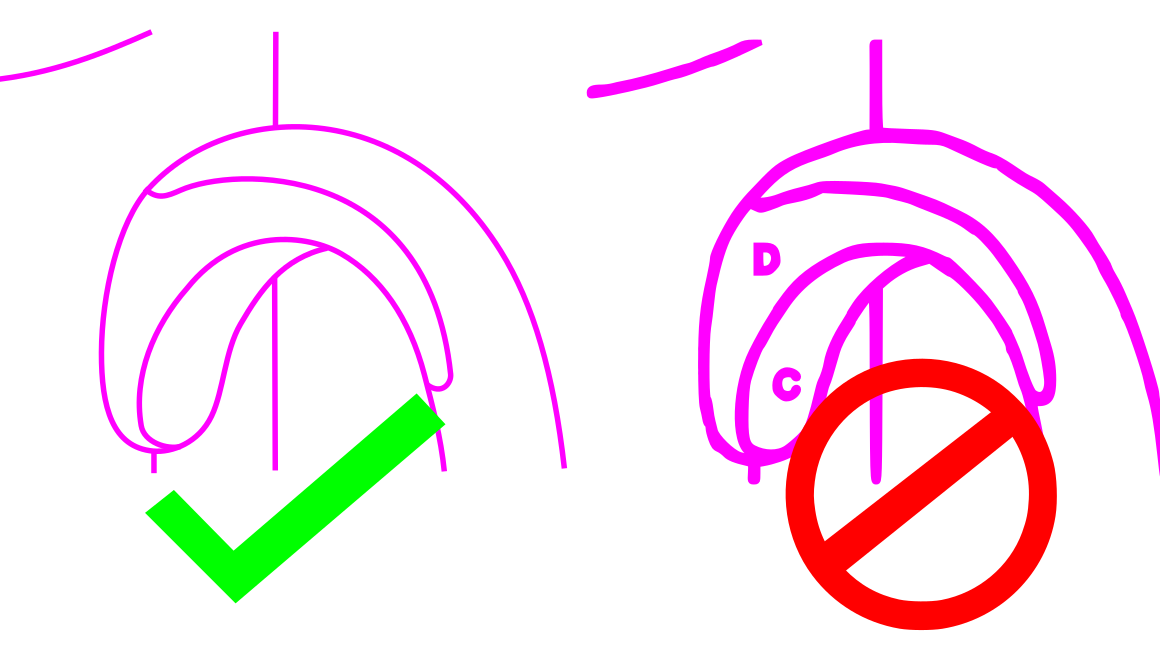
Use single lines, not closed shapes.
Single line traces are prefered. Closed shapes and closing a path makes them harder to edit otherwise and duplicate existing lines. If solid shapes are desired, use another layer for them following the vectorization-guidelines/layer-layout guide.

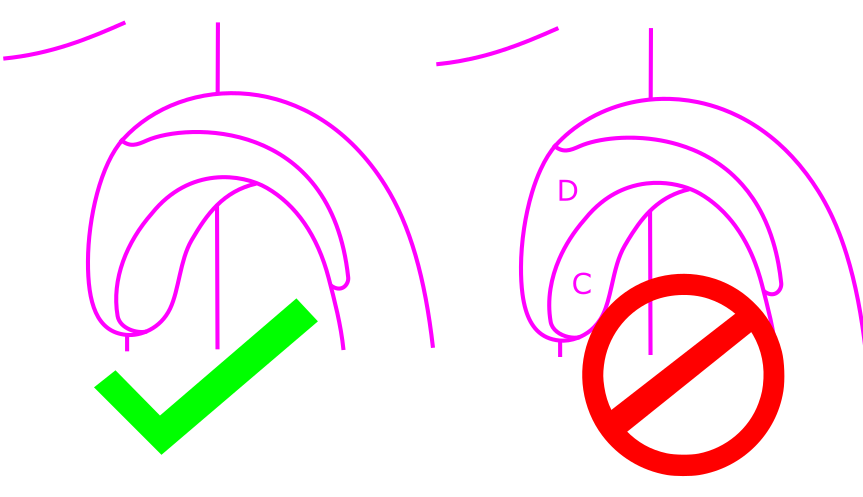
Keep the flow line flow.
Follow lines accurately in regards to the design, not the wiggles or squiggles of drawn or messy source patterns.

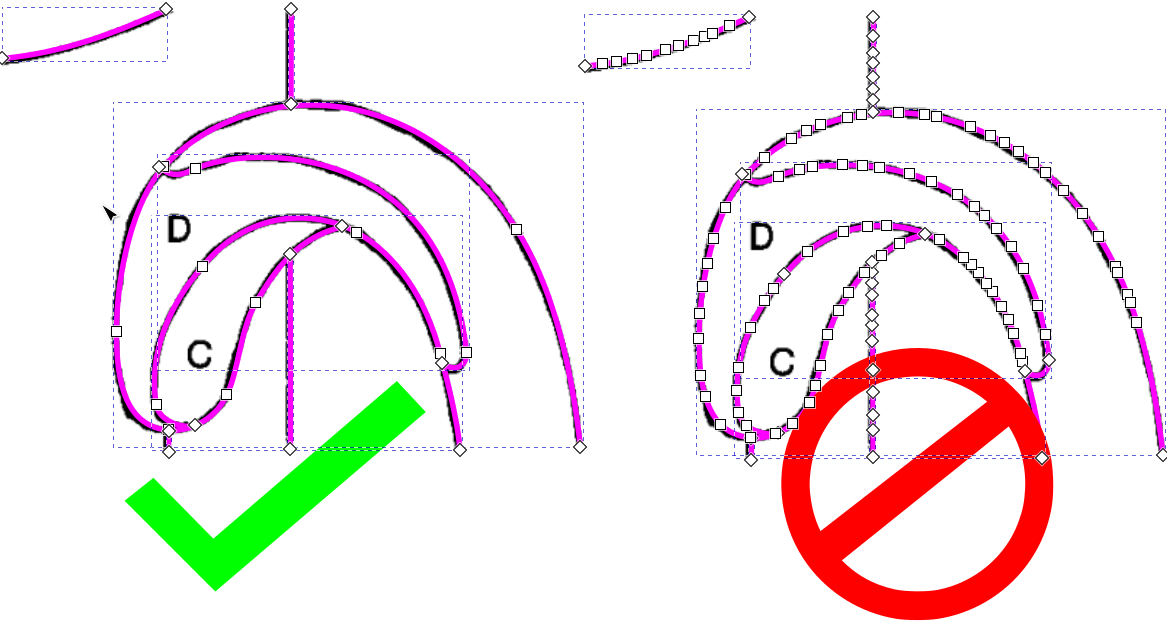
Reduce node count
More nodes make files larger than they need to be, Most vector programs have a “Simplify” tool or other system to simplify the nodes. This applies especially when using digital drawing tablets.
Cut lines only on base layer
Do not include any type of information on the base part layer. Refer to the vectorization-guidelines/layer-layout page for how to handle extra information attached to the pattern itself.
Scale fills appropriately
Make sure fills are scaled so they are distinguishable when images are generated and when the file is used outside of your design program or Pattern Archive.

Clean up node handles.
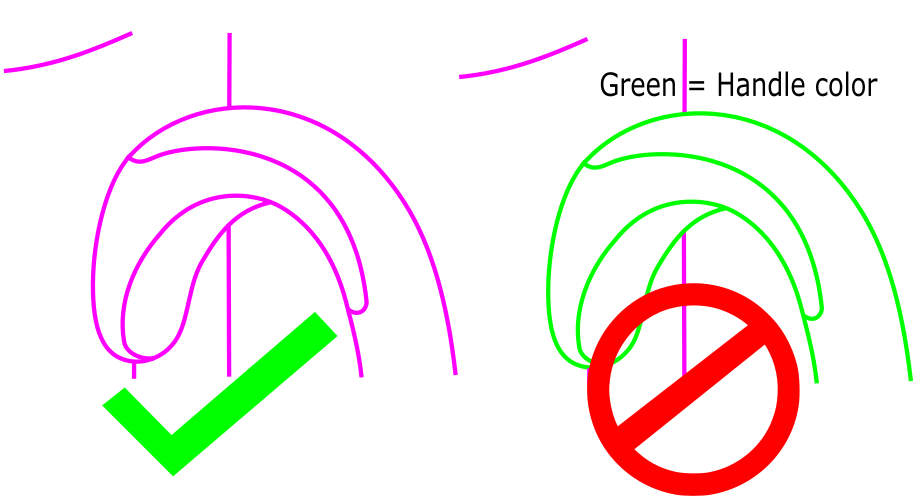
Do not allow node handles to be backwards of the direction of the line! Backwards handles cause errors in the lines. The left line is the result of the handles on the right both being on the same side in the middle of a line.
