SVG Export Guidelines
Last updated July 13, 2026Once you have the pattern vectorized, you will need to prepare it for exporting/saving as SVG.
Affinity Users
Make sure to export the pattern as SVG using the SVG(digital - high quality) preset to avoid scale issues when uploading the pattern.
Orientation
All patterns should be oriented vertically, the bottom of the pattern should be the bottom on the SVG. This is regardless of any packing done to make the pattern fit on a a page of paper, we have the tools to handle multi-page/page orientation and we want the pattern to be easily looked at.

Other Information
Do not include any extra information on the pattern page when exporting. This should all be added when you upload the pattern to Pattern Archive. Either save an extra copy with your extra information or select only the pattern when saving/exporting.

Pattern Page Layout
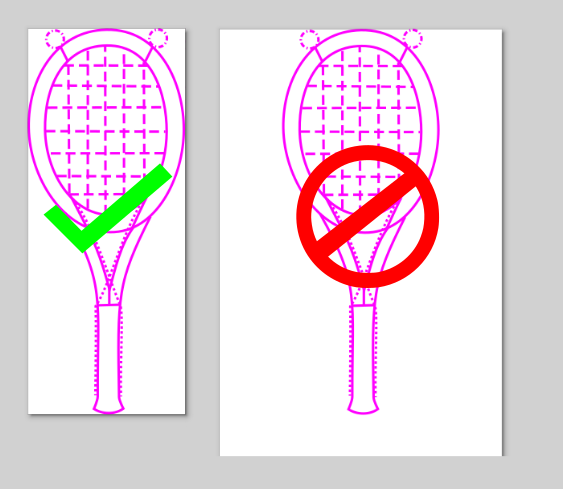
There should be no padding on the edge of the pattern when saving pattern, it should be as small as possible.
Opening the resulting file should look similar to the left image.
Grouped Patterns
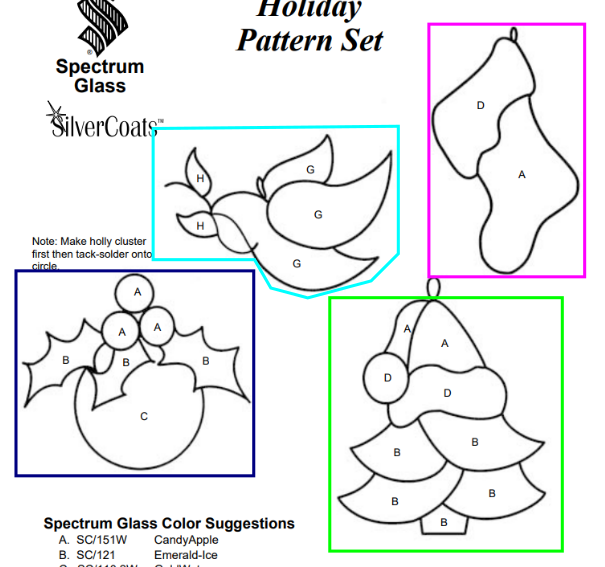
Do not group multiple patterns per page, each pattern should be uploaded individually. Pattern groups like this would be searchable with tags or can be combined back together by creating a Set.